Getting Started3 min read
How to Open and Download a .torrent File on Android
Step-by-step walkthrough for opening local .torrent metafiles using Android’s system document picker and managing multi-file transfers.
Download and manage authorized BitTorrent transfers directly on your phone with native document selection, foreground transfer notifications, and direct local storage access.
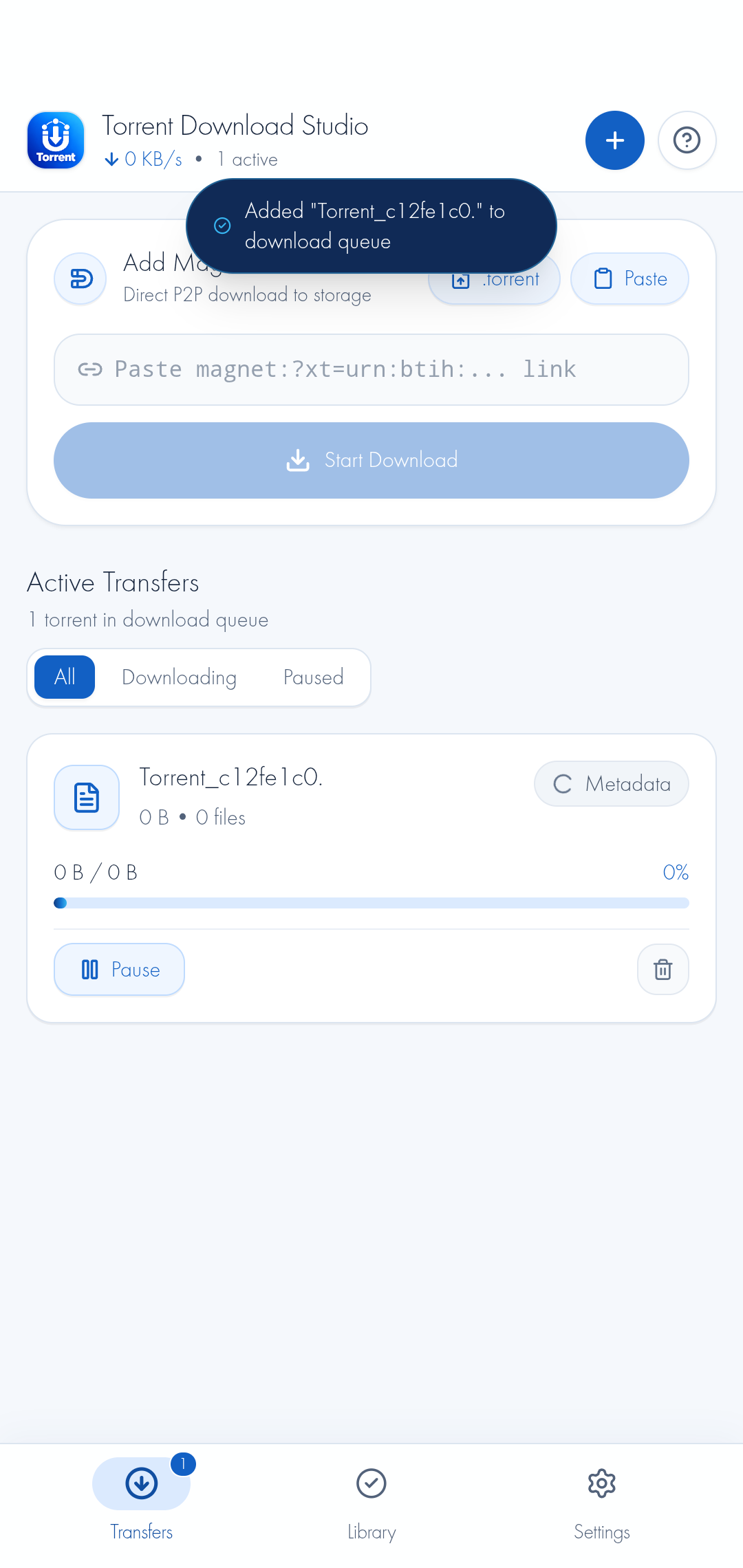
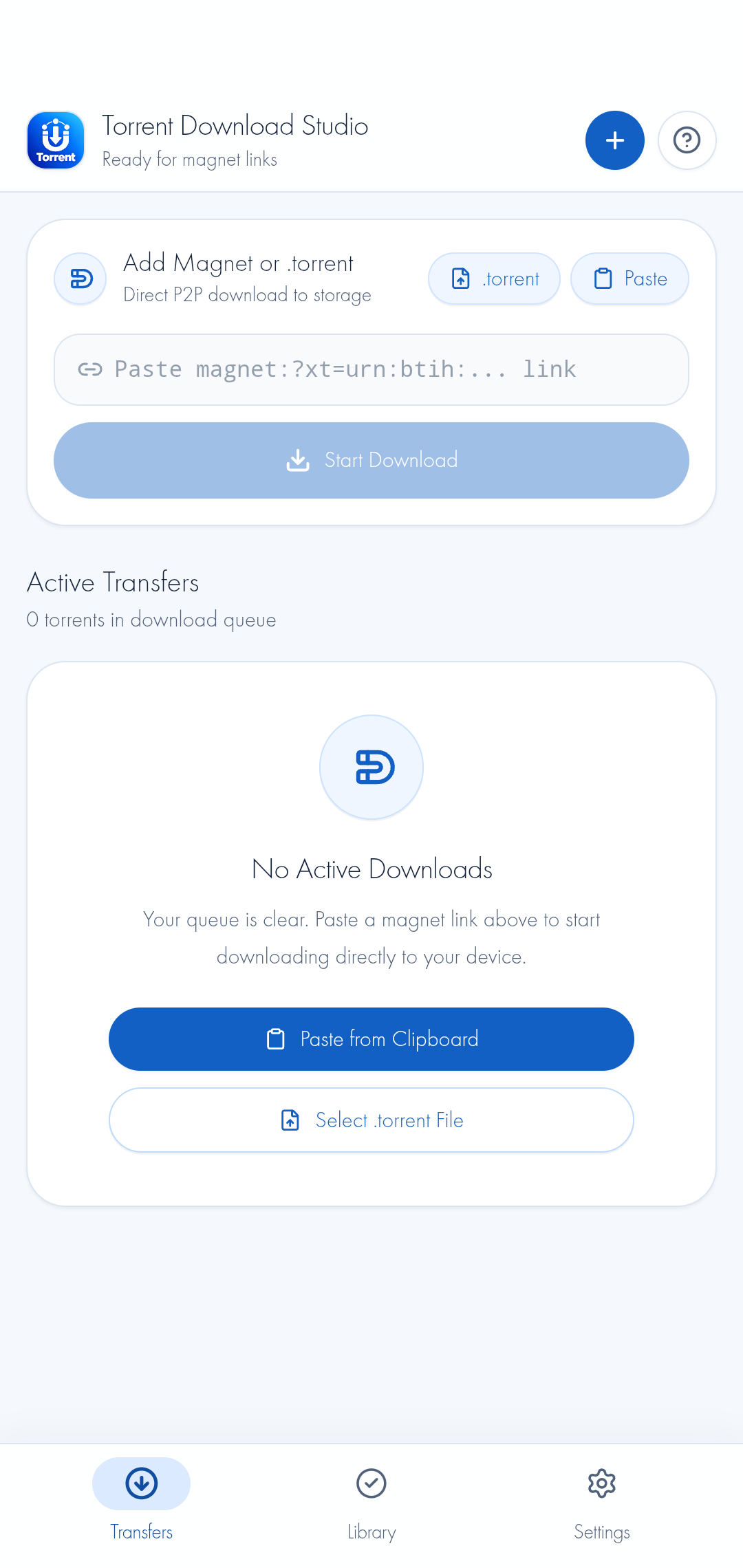
Paste standard BitTorrent magnet URIs (BTIH) with one tap, or select local .torrent files through Android’s native Storage Access Framework document picker. Metadata is requested from swarm peers and announce trackers to prepare transfer chunks.
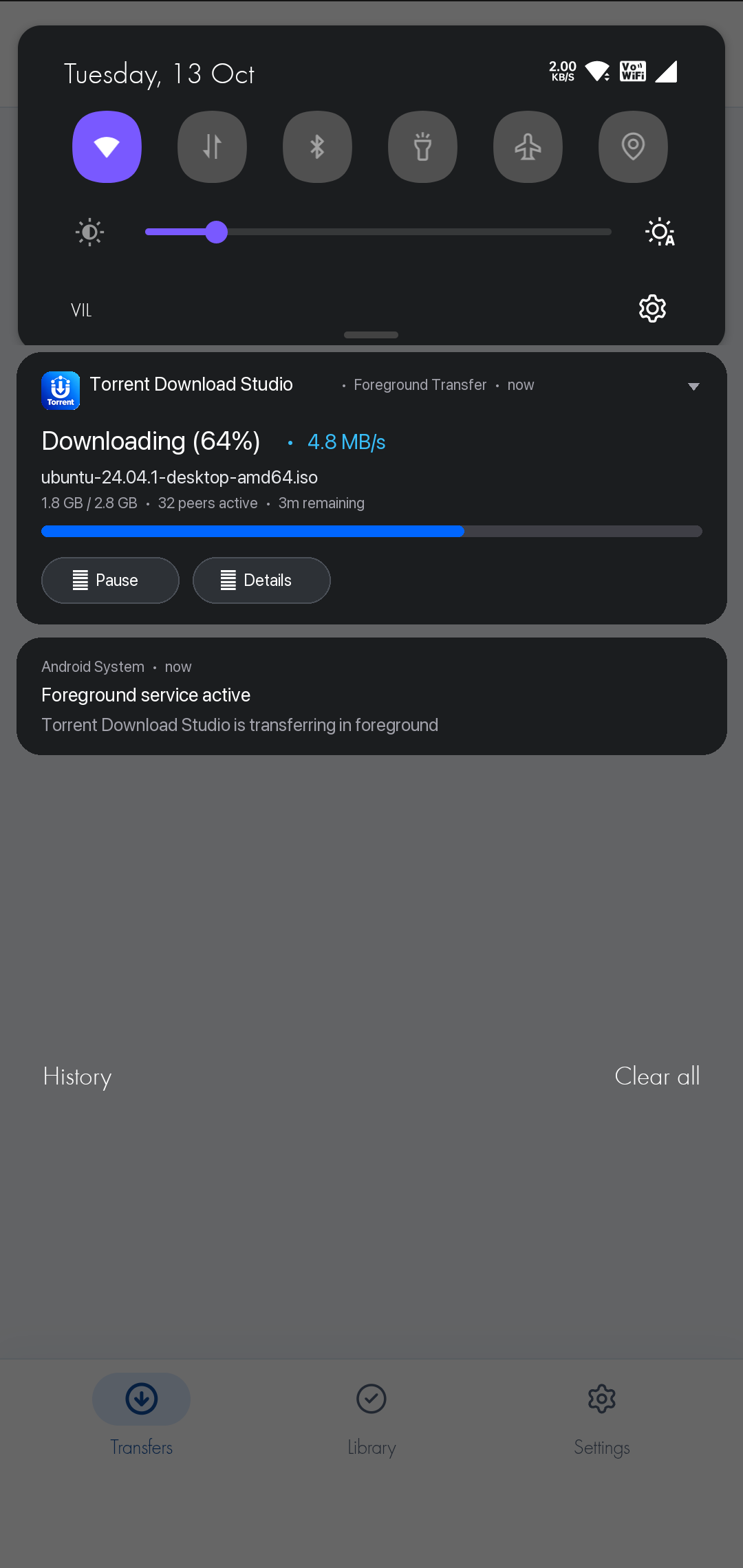
Torrent Download Studio runs an Android Foreground Service (notification channel: torrent_downloads) while active transfers run. Transfer continuation depends on peer availability, network conditions, device settings, and Android battery management.
Pause and resume active swarms directly from each transfer card. Completed files are available in your phone’s Download/Torrents directory, accessible from your preferred file manager or media player.
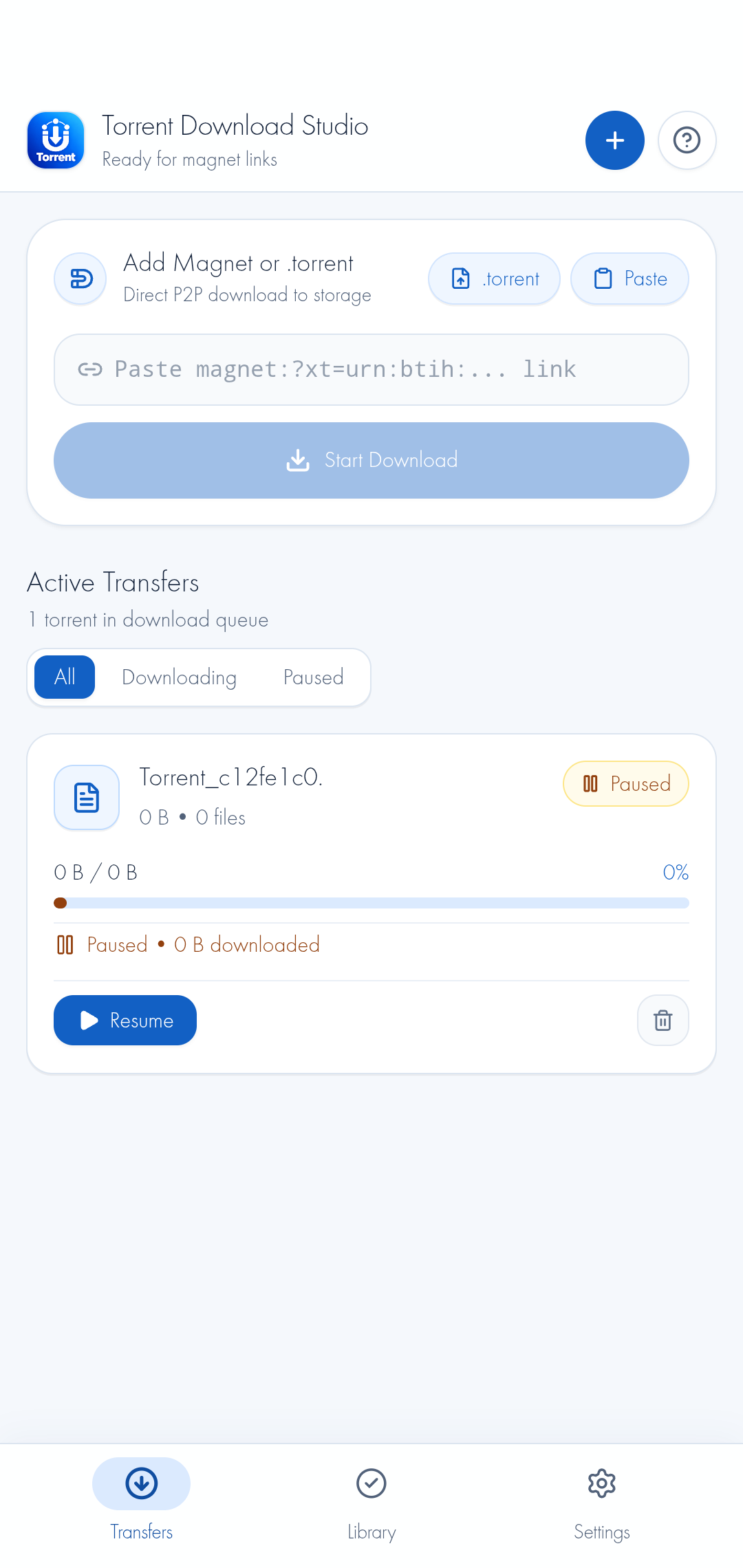
Paste BTIH magnet links or choose local .torrent metafiles using Android’s native document picker. Initiates piece and peer discovery via announce trackers and Mainline DHT.
Uses an Android foreground service with an ongoing notification while active transfers run. Transfer continuation depends on peer availability, network conditions, device settings, and Android battery optimization.
Monitor transfer rates, piece counts, and swarm peer indicators. Pause or resume individual transfers, and view finished files inside your local Library view.
Completed downloads are placed in your device’s Download/Torrents directory using Android Scoped Storage, accessible through your preferred file explorer or media viewer.
Zero proprietary tracking servers. The client communicates directly with distributed peers, public announce trackers, and DHT bootstrap nodes with transparent protocol disclosures.
No third-party analytics SDKs, no behavioral trackers, no user accounts, and no advertising identifiers. What you download stays strictly on your physical device.
Engineered with a streamlined, clutter-free interface that puts you in direct control of every swarm transfer.
Copy an authorized magnet link from an official release portal (e.g., Ubuntu, Debian, or LibreOffice) and paste it into the Transfers bar, or tap the ".torrent" button to pick a downloaded metafile using Android’s system file selector.
The native libtorrent engine contacts announce trackers and Mainline DHT nodes to discover peers. Pieces download concurrently directly to your phone, with ongoing progress shown in your notification shade.
Upon completion, verified files are saved to your phone’s internal "Download/Torrents" folder. Open your media or ISO immediately using your favorite Android file manager, VLC, or document viewer.
BitTorrent is a neutral peer-to-peer distribution protocol. Please ensure you have authorization or valid licenses for all content you transfer. Participating in a swarm shares your device’s public IP address with connected peers and trackers.
Original, practical tutorials for managing .torrent files, resolving magnet metadata, configuring Android battery settings, and understanding lawful P2P transfers.
Step-by-step walkthrough for opening local .torrent metafiles using Android’s system document picker and managing multi-file transfers.
Learn how BTIH magnet links work, how to copy and paste them properly, and how tracker announcements initiate swarm connections.
Technical explanation of BitTorrent metadata exchange (BEP 0009), seeder availability, DHT lookups, and Wi-Fi socket restrictions.
Understand Android Scoped Storage, navigating to Download/Torrents with file managers, and viewing completed files in your Library.
Detailed guide on Android battery optimization, Doze mode settings, Foreground Service notifications, and OEM power management.
Explore lawful BitTorrent use cases: official Linux distribution ISOs, FOSS binaries, Creative Commons media, and public domain archives.
Need more help? Visit our Technical Support & Troubleshooting Guide or review our Legal & Lawful Use Policy.
We believe in complete engineering transparency. Here is exactly how your data, storage, and network traffic behave when using Torrent Download Studio.
The application contains zero advertising SDKs (no AdMob, Unity, etc.), zero behavioral telemetry libraries (no Firebase Analytics, Mixpanel, etc.), and requires no user account creation. What you download is never logged on any proprietary developer servers.
Active pieces and verified files are saved directly to your phone’s internal storage underDownload/Torrents. Deleting a torrent item removes the files from your device immediately. You maintain total physical ownership of every byte.
By the inherent design of decentralized BitTorrent swarms (BEP 0003), your public IP address and port are visible to connected peers and announce trackers to coordinate chunk exchange. External network tools may change the network endpoint visible to peers, but privacy, connectivity, and transfer availability are not guaranteed by Torrent Download Studio.
Encryption availability depends on the selected peer and tracker. Torrent Download Studio does not guarantee encrypted transfers across all connections. We never make misleading claims of “anonymous” or “100% encrypted” torrenting.
Everything you need to know about Torrent Download Studio, background transfers, storage management, and peer-to-peer networking.
Factual engineering specifications, Android architecture, protocol adherence, and contact details.
app.torrentstudio.mobileOur engineering team is committed to high-performance, open-protocol Android software. Reach out anytime with bug reports, technical inquiries, or feature suggestions.
Have questions or encountered an issue with your downloads? Contact our engineering support team directly. We review all technical reports and compatibility inquiries.
Before reporting an issue, check these common resolutions:
Download/Torrents.